Best Receipt Scanning App for Taxes: Best Picks for Filing Season
Best receipt scanning app for taxes, based on real testing. Compare picks for audit readiness, categorization, and clean records that hold up in filing season.

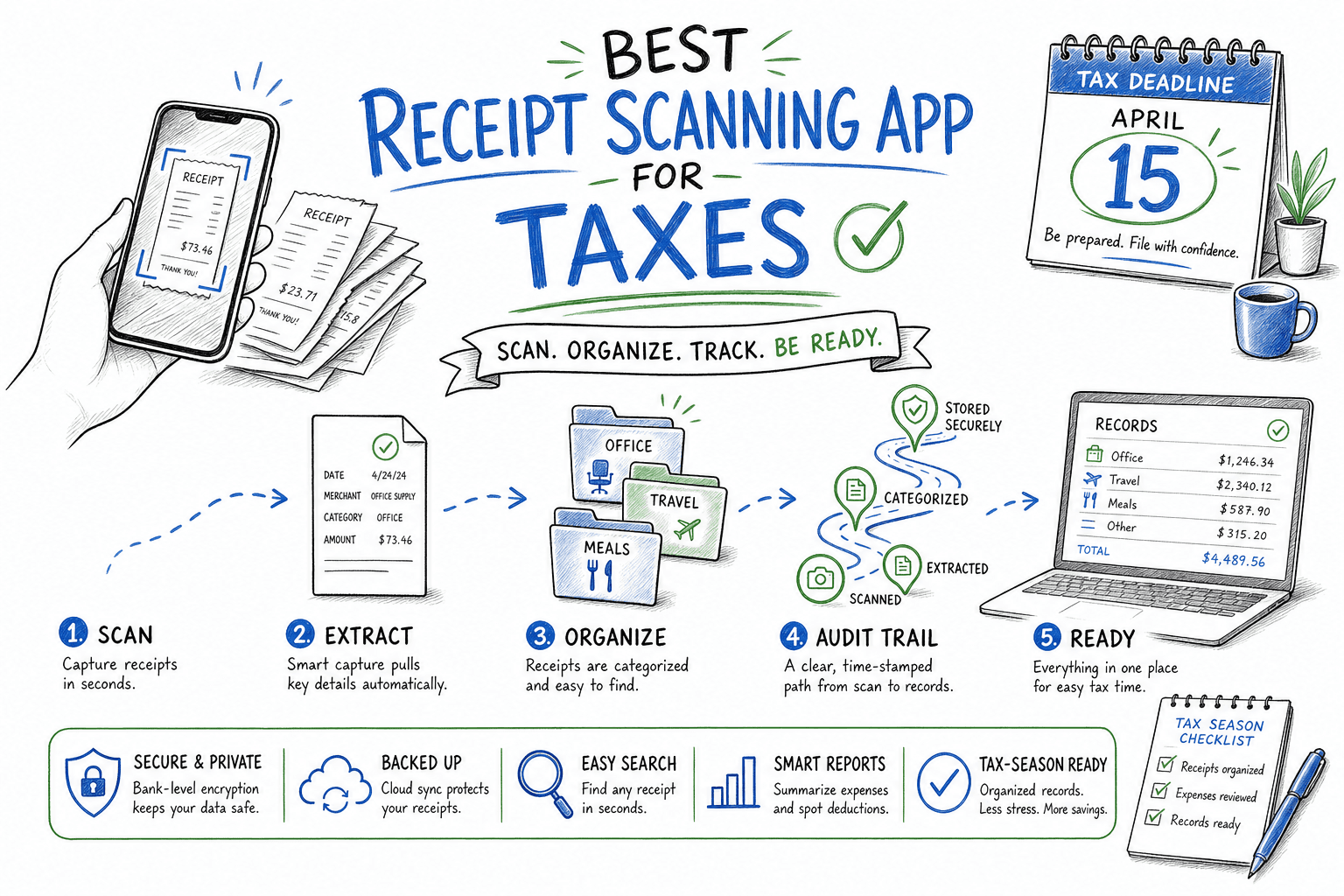
When people ask for the best receipt scanning app for taxes, they usually do not mean fancy UI. They mean: can I trust this during filing season, and can I survive an audit without panic?
This version reuses the same app testing framework but focuses on tax outcomes: accurate extraction, clean categorization, export quality, and audit trail reliability.
If you want the broader comparison, start with Best Receipt Scanning App: Honest Review.
quick answer
Best overall for taxes: Dext
Best if you have piles of paper receipts: Shoeboxed
Best if your books already live in QuickBooks: QuickBooks Online receipt capture
Best for tighter budgets with basic needs: Wave Receipts or Smart Receipts
what matters most for tax workflows
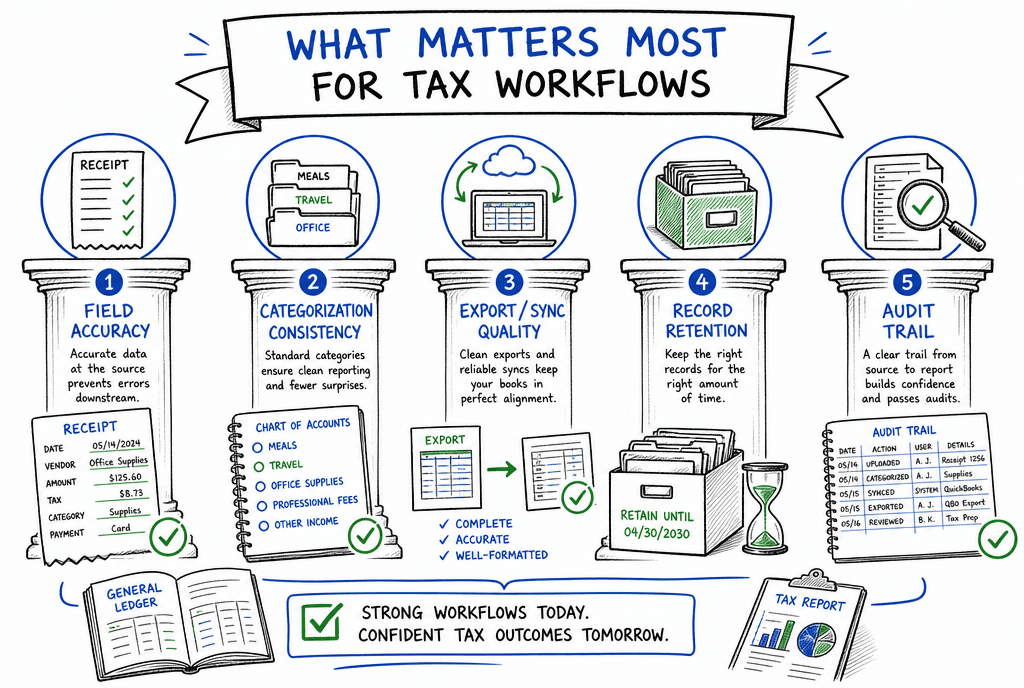
Tax-ready workflows depend on reliable extraction, consistent categories, and clean records.
For tax prep, these criteria matter more than flashy features:
Field accuracy: merchant, date, subtotal, tax, and total must be dependable
Categorization consistency: repeat expenses should map correctly over time
Export + sync quality: clean transfer to accounting and tax prep workflows
Record retention: searchable receipt history with reliable document storage
Audit trail: clear edits, timestamps, and traceable source documents
top picks for taxes
Dext (best overall for tax readiness)
Dext is usually the strongest tax-focused choice for SMBs and freelancers who want fewer year-end surprises.
Why it wins for taxes:
Reliable extraction across everyday receipts
Strong categorization and bookkeeping flow
Clean records that are easier to reconcile and review
Tradeoff: not the cheapest option for very light usage.
Shoeboxed (best for paper-heavy users)
If your pain is physical receipts and admin backlog, Shoeboxed can remove major friction.
Why tax users pick it:
Convenience for high receipt volume
Useful organization for filing and lookup
Good fit for people who procrastinate manual entry
Tradeoff: value depends heavily on your plan and volume.
QuickBooks Online receipt capture (best for QuickBooks-native filing)
If you already run your books in QuickBooks, keeping receipt capture in the same system often lowers tax-season chaos.
Why it helps:
Direct sync to books
Fewer handoffs between tools
Simpler month-end and year-end reconciliation
Tradeoff: specialist tools can be deeper for advanced policy workflows.
practical tax setup tips
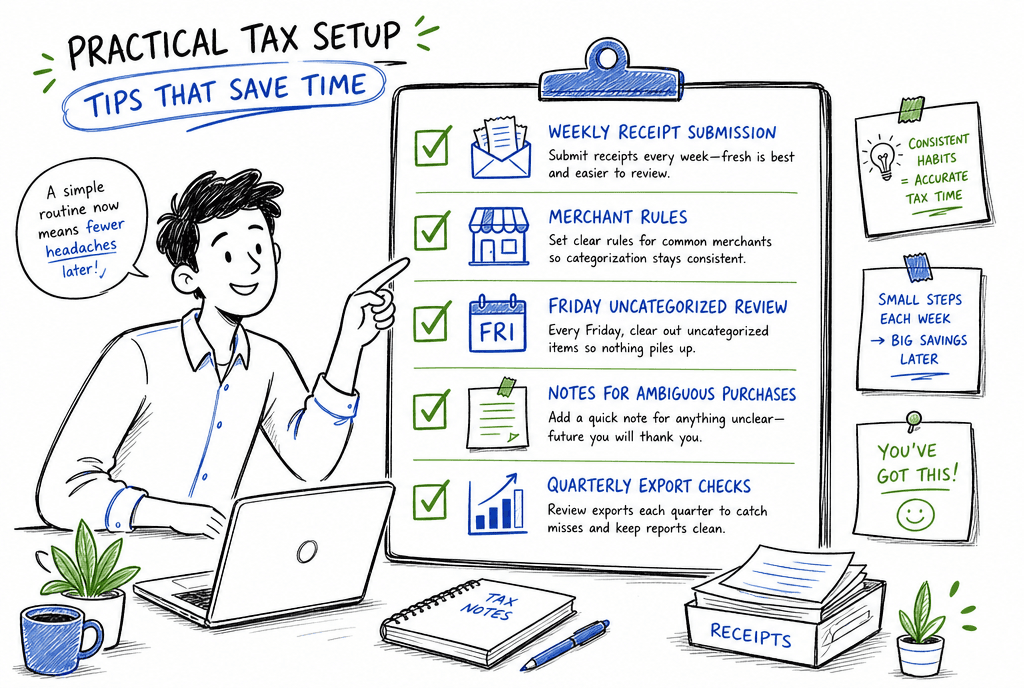
Simple recurring habits that prevent tax-season cleanup chaos.
Set category rules early for common merchants
Require receipt submission weekly, not monthly
Review uncategorized items every Friday
Keep notes on ambiguous business-purpose purchases
Run quarterly export checks before deadlines
faq
what is the best receipt scanning app for taxes?
For most people and small businesses, Dext is the best overall tax-focused option because it balances OCR quality, categorization, and bookkeeping-ready output.
can receipt scanning apps help with audits?
Yes, if the app keeps strong records and you maintain clean categories. Good tools make retrieval, verification, and reconciliation much easier under audit pressure.
should i choose a tax-focused app or just use quickbooks capture?
If you already rely on QuickBooks and your workflow is simple, native capture can be enough. If your volume or complexity grows, Dext or Shoeboxed often provides better control.
final thoughts
The best receipt scanning app for taxes is the one that gives you clean, consistent records before deadlines hit. For most users, Dext is the safest default, while Shoeboxed is excellent for paper-heavy workflows and QuickBooks capture is a practical fit for existing QuickBooks users.
related guides
Explore ReceiptExtract
ReceiptExtract is an OCR and data extraction tool that turns receipt images into structured fields you can validate, export, or send to your accounting and automation workflows.